ROS 1 to ROS 2 Migration After Noetic's End of Life
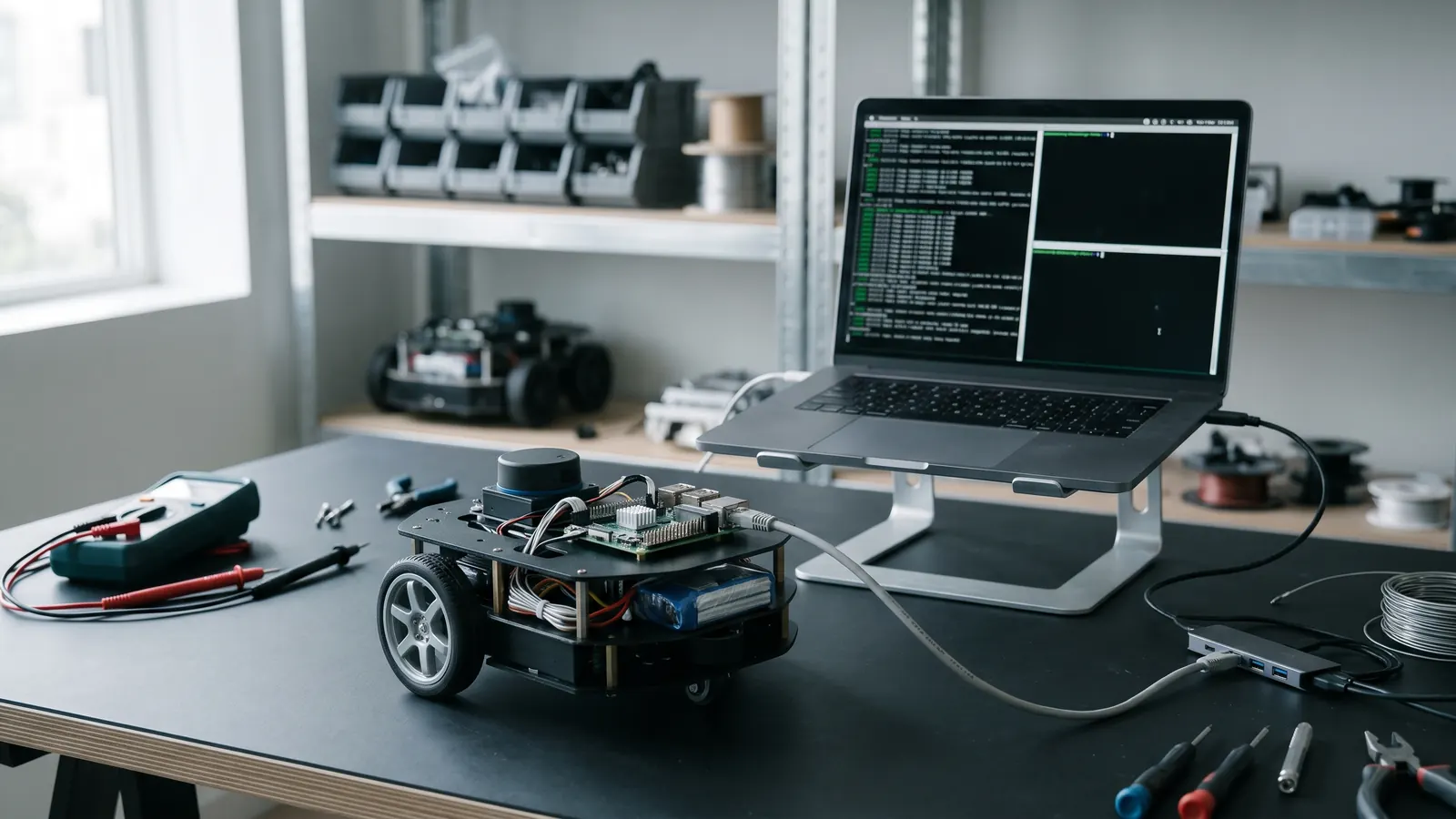
ROS 1 reached its end of life with Noetic, its last release, on 31 May 2025. It gets no more fixes, security or otherwise, and neither does Ubuntu 20.04, the system it was built for, without a paid extended support plan. A robot that still runs it keeps working, but every problem found from now on stays found. The way out is a staged migration to a current ROS 2 long-term release: the robot keeps running on ROS 1 while its parts move across one at a time, connected by a bridge, until nothing is left on the old side.
This post is for teams with a working ROS 1 robot and a reason to keep shipping it. It covers what actually changes, the order that keeps the robot running throughout, and what to do first if the move has to wait.
Why "it still works" is not enough
Nothing stops on the day support ends, which is why so many robots are still on Noetic. Three things change slowly instead.
Security fixes stop. A flaw found in a ROS 1 package, its dependencies, or the operating system under it will not be fixed upstream. If your robot is on a customer's network, that becomes your customer's problem, and then yours.
Buyers start asking. A machine sold into the EU already falls under the Cyber Resilience Act: its duty to report actively exploited vulnerabilities has applied since 11 September 2026, and its security requirements apply to every new unit from 11 December 2027. "We run an unsupported middleware" is a difficult answer to a security questionnaire. Our Cyber Resilience Act post covers what it asks of embedded Linux products.
The people and parts move on. New sensors and arms ship ROS 2 drivers. Navigation and manipulation work now happens in Nav2 and MoveIt 2. Engineers you hire learned ROS 2. Every month on ROS 1 makes the eventual move a little bigger.
What actually changes
Most of a robot's own logic survives the move. Algorithms, maths and hardware interfaces carry over; the code around them changes. In rough order of how much work they cause:
- The build. catkin becomes ament, and you build with colcon. Each package's
CMakeLists.txtandpackage.xmlchanges. It is mechanical work, but it touches every package. - The client library.
roscppandrospybecomerclcppandrclpy. Nodes become classes, publishers and subscribers are created through the node, and callbacks run on executors you choose. This is where most of the hand work is. - No master. There is no
roscore. Nodes find each other through DDS discovery, which is easy on one machine and needs real configuration across a robot's network, a Wi-Fi link or several robots. - Quality of service. Every topic has QoS settings: reliable or best effort, how much history to keep, whether late joiners get the last message. A mismatch means two nodes silently never connect. It is the most common "it works on my bench" failure after a migration.
- Parameters and launch. Parameters belong to nodes rather than a global server, and change through callbacks rather than
dynamic_reconfigure. Launch files are rewritten in Python, XML or YAML. - Messages. Most message definitions carry over with small changes;
Headerloses itsseqfield, and time and duration types change. Custom messages need their packages converted. - Nodelets, actions and bags. Nodelets become components.
actionlibbecomes ROS 2 actions. Recorded bags need converting before ROS 2 tools can read them. - The big stacks.
move_baseis replaced by Nav2 and MoveIt by MoveIt 2. These are not ports but newer designs, with behaviour trees and lifecycle nodes, and they deserve their own plan.
Pick the target first
Move to a long-term support release. For most migrations today that is ROS 2 Jazzy Jalisco, on Ubuntu 24.04, supported until May 2029. It has been out since 2024, so the drivers, Nav2 and MoveIt 2 releases a robot depends on have had time to catch up with it.
Lyrical Luth, the newest LTS, came out in May 2026 on Ubuntu 26.04 and is supported until May 2031. It buys two more years, and it is the better target if every package on your inventory already has a Lyrical release. Check that first: one missing driver is enough to make Jazzy the faster route.
Avoid Humble Hawksbill, on Ubuntu 22.04. It ends in May 2027, so starting a migration there now means doing part of it again soon. And check your compute before any of this: if your board vendor supports only an older Ubuntu, that decides the release.
The order that keeps the robot running
A big-bang rewrite stops the robot for months and leaves you testing everything at once. A staged migration keeps it working throughout.
- Inventory the graph. List every node, topic, service, action and parameter the robot uses, and which packages are yours versus third-party. Mark the third-party ones that already have ROS 2 releases. This list is the plan.
- Freeze and record. Record bags of the robot doing its real work, before anything changes. They become the reference every migrated node is checked against.
- Stand up the bridge.
ros1_bridgerelays topics and services between a ROS 1 graph and a ROS 2 graph. Because Noetic and the current ROS 2 releases target different Ubuntu versions, the bridge usually runs in its own container. Bridge only what crosses the boundary: each bridged topic costs latency, and some types need a mapping. - Move the edges first. Start with nodes that have few connections and clear inputs and outputs, such as a sensor driver, a logger or a monitoring node. Each move is small, checked against the recorded bags, and easy to roll back.
- Move the core in subsystems. Perception, then localisation, then planning and control, one subsystem at a time, with the bridge carrying whatever has not moved yet. Navigation and manipulation move to Nav2 and MoveIt 2 as projects of their own.
- Remove the bridge. When nothing is left on the ROS 1 side, the bridge and the old system go. Test the whole robot on its real tasks, against the original recordings, before calling it done.
If you can't move yet
Sometimes the migration has to wait for a customer release, a funding round or a new hardware revision. A few things reduce the risk in the meantime.
- Contain it. Run the ROS 1 stack in a container with only the ports it needs, and keep it off networks it does not need to be on.
- Pin and record. Pin every package version, and keep a software bill of materials, a list of what is on the robot. When the next vulnerability is published, you can answer "are we affected?" in an hour, not a week.
- Write new code for ROS 2. Anything new goes in a ROS 2 package from day one, connected through the bridge. Every new node then shrinks the migration rather than growing it.
- Do the inventory now. It takes a few days and turns "we should migrate someday" into a plan with a size.
Related articles
From Prototype to Production: The Lifecycle of Autonomous Systems
The leap from a lab-based ROS2 prototype to a field-ready autonomous fleet is where most robotics companies fail. Here is the roadmap to production-grade robotics.
Read 2 min readHiring Engineers vs. Staff Augmentation: The Hidden Costs
What hiring a senior embedded or robotics engineer really costs in time and money, and when staff augmentation gets a hardware team there faster.
Read