Digitizing a Production Line: One Data Backbone, Then AI
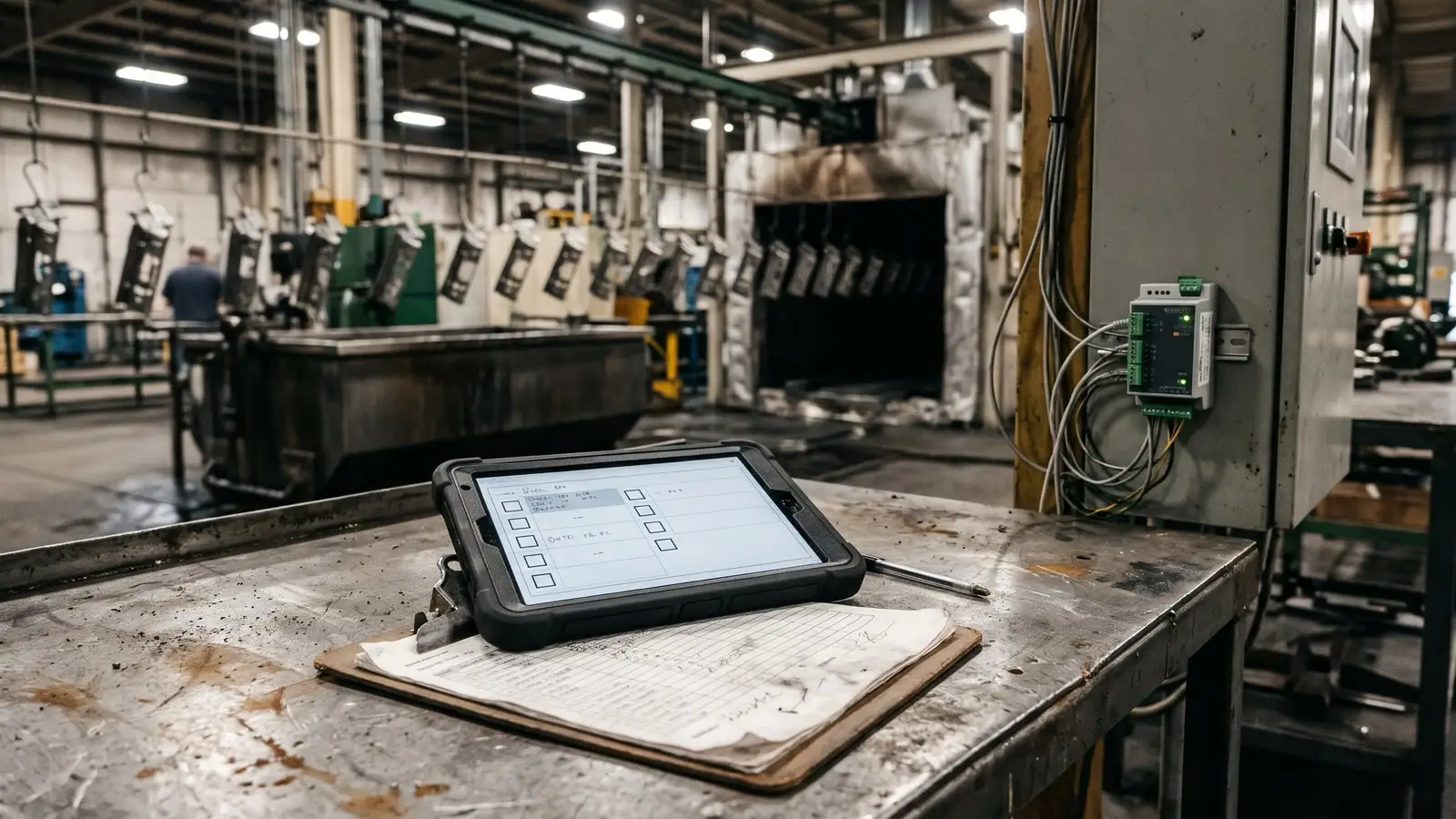
Digitizing a production line means getting what the line already knows into one place, once, under one name for each thing, so every system that needs it reads the same data. Most of it is already there. The machines know their temperatures, speeds, counts and faults; the people know what they checked, measured and signed on paper. In practice an edge gateway reads the controllers without changing them, the checks move from a clipboard to a tablet at the station, both publish into one topic tree laid out the way the plant is, and OEE, quality records and later AI subscribe to that tree. You start on one line, not the whole plant.
This post is for plant, quality and continuous-improvement managers with a line that runs, records that live on paper, and a pile of requests for dashboards nobody has time to build. It covers the shape that works, the order to build it in, and where AI fits, which is later than most people are told.
Where the data lives today
On a typical line, what you need to know is split three ways.
In the controllers. The PLCs, drives, ovens, rectifiers and test stands already measure most of what matters. On a coating line that is tank temperatures, bath conductivity and pH, rectifier voltage and current, conveyor speed and oven zone temperatures. On a press line it is stroke counts, tonnage, die changes and fault codes. Almost none of it leaves the panel.
On paper. First-off and last-off checks, the hourly process log, film-thickness or dimensional readings, maintenance sign-offs, the note about why the line stopped at two o'clock. It is typed into a spreadsheet at the end of the shift, if it is typed in at all, and nobody can search it when a customer asks about a lot from last spring.
In people's heads. Which alarm can be ignored, which reading drifts on Mondays, what "the usual fix" is.
The usual first attempt is a link per tool. The OEE dashboard gets its own connection to the PLC, the historian gets another, the quality system a third, each with its own copy of the tag list and its own idea of what a number means. Every new request adds another cable and another map, and every map breaks when someone changes the program. That is the problem to fix before adding anything clever.
The shape that works: connect once, read many times
Everything that produces data publishes it once, to one place. Everything that needs data subscribes to that place. Nothing talks to a PLC except the gateway in front of it.
The place is usually an MQTT broker holding a topic tree, a hierarchy of named paths such as plant, area, line, station, signal. This arrangement is often called a Unified Namespace. It is an architecture pattern, not a product you buy and not a formal standard, and it is useful exactly to the degree that the tree is governed: one path per thing, one meaning per name.
Step 1: Read the machines, don't rewrite them
Start with what already runs. The gateway reads the controllers; it does not become a new controller.
- Use OPC UA where the controller supports it. OPC UA, standardised as IEC 62541, carries data with its structure, units and security built in. Many newer PLCs serve it directly.
- Keep Modbus and EtherNet/IP where they exist. Older lines speak the protocols they shipped with. The gateway translates; the machine does not change.
- Read only, and publish outbound. For a first connection, the gateway reads values and pushes them out. It opens no write path into the PLC and accepts no connection in from the office network. Safety functions and interlocks stay exactly where they are.
- Timestamp at the source and buffer. Each value carries the time it was read, from a clock synchronised across the line, and the gateway holds data when the network drops and sends it when it comes back. A gap in the record is worse than a late one.
Which signals to read comes from the questions you want answered, not from the full tag list. "Why did the line stop" needs states and fault codes. "Was this lot coated within limits" needs the process values at the time that lot was in the tank. Read those first.
Step 2: Put people's checks on the same tree
Machine data tells you what the line did. The checks tell you whether the product was right, and on most lines they are still on paper. Moving them onto a tablet at the station is usually the fastest win in the whole project, because the data is already being collected, just badly.
- Copy the form first, improve it second. The first digital version asks the same questions in the same order as the paper one, so operators and auditors recognise it. Change it once it has run.
- Show the limits, and the reaction. Every reading is entered against its limits, and an out-of-limit value shows the reaction plan on the spot: hold the part, call the lead, recheck. A paper form can only do that if someone reads it.
- Every entry says who, when and where. Each person logs in as themselves; a shared login makes a record worthless. The entry carries the line, station, part and lot, so it lands in the right place on the tree beside the machine data from the same minute.
- Corrections never erase. A wrong entry is corrected with a new one and a reason; the original stays visible. Each record also keeps the revision of the form it was entered on.
- Built for the floor. Large targets for gloved hands, the words the operators use, readable from arm's length, and it keeps working when the Wi-Fi does not.
- Decide retention before go-live. Quality systems set how long records are kept. Under IATF 16949, the automotive standard, records such as production part approvals and tooling records are kept for as long as the part is active for production and service, plus one calendar year, unless a customer or regulator specifies a different period. Many customers set their own, so check their requirements and set the retention on day one.
Step 3: One topic tree, one meaning per name
The tree is the part that decides whether this lasts. Lay it out the way the plant is organised, using the levels of ISA-95, the standard model for manufacturing systems (IEC 62264): enterprise, site, area, line, then the cell or station, then the signal. A rinse tank temperature on the second coating line might live at acme/site-1/finishing/coat-line-2/rinse-3/temperature, and every system that wants it looks there.
- One path per thing. A tank, a press or a station appears once. If two systems call it two names, one of them is wrong.
- Units and scaling live in the tree. A raw register value of 2,350 becomes 23.5 °C at the gateway, once, not in every dashboard that reads it.
- States are defined and agreed. Running, idle, starved, blocked, faulted, planned stop. Write down what each means, with the people who will read the reports, before anything counts them.
- Context travels with the data. The order, part number and lot currently on the line are published to the tree too, so a temperature is not just a number but a number for a particular lot.
- Use Sparkplug B when you need the contract. The Eclipse Sparkplug specification, version 3.0 and since 2023 the international standard ISO/IEC 20237, defines MQTT topic names, a payload format and birth and death messages, so a subscriber knows when a device went offline rather than seeing its last value forever. It suits plants with many devices and several vendors. A smaller site can use plain MQTT with a written schema; just write the schema.
Step 4: Let OEE and quality records subscribe
With the tree in place, the first two consumers are the ones that justify the project.
OEE from events, not from typing. Overall equipment effectiveness multiplies three things: availability (did it run when it was meant to), performance (did it run at its ideal rate) and quality (were the parts good). All three can be counted from the tree: stops and their durations from the states, the ideal rate against the cycle counts, rejects from the checks. Before the first chart, agree what counts as planned downtime and what the ideal rate is for each part, or the number will be argued about rather than used. When a stop runs past a set length, the tablet asks the operator for a reason from a short list. Short lists get answered; long ones get "other".
Quality records that answer questions. Because readings arrive with their time, station and lot, the same data serves several needs at once. Control charts update as values are entered, so a drift shows before it becomes a reject. A lot can be traced back through every station it passed, with the process values and checks recorded while it was there. When a customer asks about a shipment, the answer is a search, not a week in the filing cabinet.
The MES, the ERP and the historian then subscribe to the same paths. None of them needs its own link to the line, and none of them can disagree with the others about what a value was.
Step 5: Then add AI, on data you can trust
AI is the step most plants are sold first and should do last. Every useful AI application on a line needs the same things the earlier steps produce: clean signals with agreed meanings, timestamps that line up, stop reasons, and months of history with the outcomes attached. Without them a model learns the noise.
Once the tree has run for a while, these are roughly in order of how soon they pay:
- Asking the records questions. An assistant that answers from shift notes, procedures and the quality records in plain language. It changes nothing on the line, which makes it the safest place to start.
- Spotting drift early. Watching process values together, such as bath temperature, conductivity and line speed, and flagging an unusual combination before any one of them is out of limits.
- Predictive maintenance. On assets with a real failure history, learning the signs that come before a failure. Without recorded failures there is nothing to learn from yet.
- Vision inspection. Cameras checking a surface or an assembly at line speed. It needs labelled examples of good and bad parts, which the digital check records start to provide.
Three rules hold for all of them. AI reads from the tree and never writes to a controller. A person makes the decision a model suggests. And each use is measured against the line's own figures from before it went in, so you know whether it earned its place.
Security: zones before you widen
Connecting a line to anything changes its risk, and older devices often have no authentication at all. IEC 62443, the standard for industrial control system security, frames the answer as zones and conduits: group equipment into zones with the same security needs, and control every path between them.
- The machines stay in their own zone. The line's network is separate from the office network, and the gateway is the one controlled path between them.
- Outbound only, encrypted. Data leaves through the gateway over an encrypted connection. Nothing outside reaches into the line.
- Limit who can publish. Each gateway and each tablet has its own credentials and may publish only to its own part of the tree. Most systems should only read.
- Manage the tablets. They are enrolled in a device-management system, on their own wireless network, locked to the one app, and wiped remotely if one goes missing.
- One way in for remote support. If anyone outside the plant needs access, it goes through one logged, approved path, switched on when needed.
Pilot one line before you scale the plant
Do not rewrite the plant on day one. Pick one line with a known bottleneck, clear cycle signals and an owner who can define stop reasons.
- Inventory the signals and the forms. List every value the pilot needs, with its units and scaling, and every paper form the line fills in. Fix tag names and stop codes before anything is published.
- Stand up the gateway, broker and tree for that line only. Read-only, outbound, inside its own zone.
- Move one paper form to the tablet. The one filled in most often, or the one auditors ask about most.
- Connect two consumers to the same topics. OEE and one other, such as the quality record or a simple line display. If both read the same paths and agree, the tree works.
- Run paper and tablet side by side. Keep the paper form until the digital records have been checked against it and quality has signed off. Then retire it.
- Widen by copying, not redesigning. The next line reuses the same tree layout, state definitions and form templates. That reuse is the return on doing the first line properly.
Where this usually goes wrong
The dashboard comes before the definitions. A screen appears in week two, and by week four three people have three explanations of why its number is different from theirs. Agree the states, the ideal rates and the units first.
The form is digitized but the reaction is lost. The tablet records an out-of-limit reading and nobody is told. The reaction plan has to come across with the form, or the paper version was safer.
The whole site is modelled first. A plant-wide digital twin or MES rewrite takes a year before anyone on the floor sees anything. One line, done properly and copied, gets further in the same time.
Shared logins and open networks. A tablet everyone uses as "line2", or a gateway on the office network with a write path into the PLC, undoes the value of the records and the safety of the line in one go.
The Production Line Digitization Checklist puts every step above into checks you can work through with your own team, before the pilot and again before you widen it.